
تسجيل بلمسة واحدةOne-tap recording
زر «تناول» لكل مريض مع إمكانية التراجع، وعلامات سريعة وملاحظة عند الحاجة.A “Received” button for each patient with undo, plus quick tags and a note when needed.
للكاهن والخادمFor the priest and the servant
تطبيق بسيط يعمل بدون إنترنت. سجّل من تناول بلمسة واحدة، ونظّم الزيارات في مجموعات أسبوعية، ومعرفة من يحتاج إلى متابعة. بياناتك تبقى على هاتفك فقط. A simple app that works offline. Record who received Communion with one tap, plan visits in weekly groups, and see who needs follow-up. Your data stays on your phone.
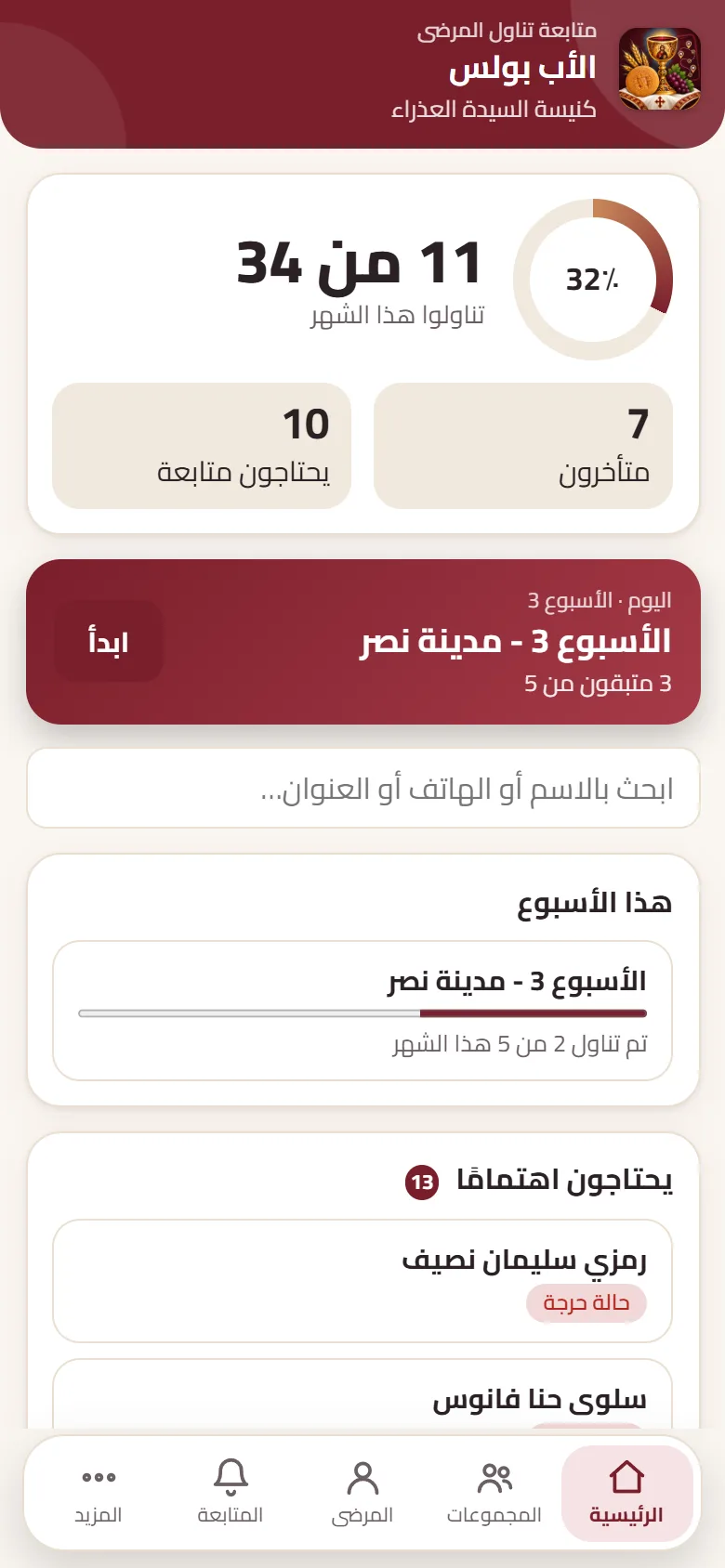
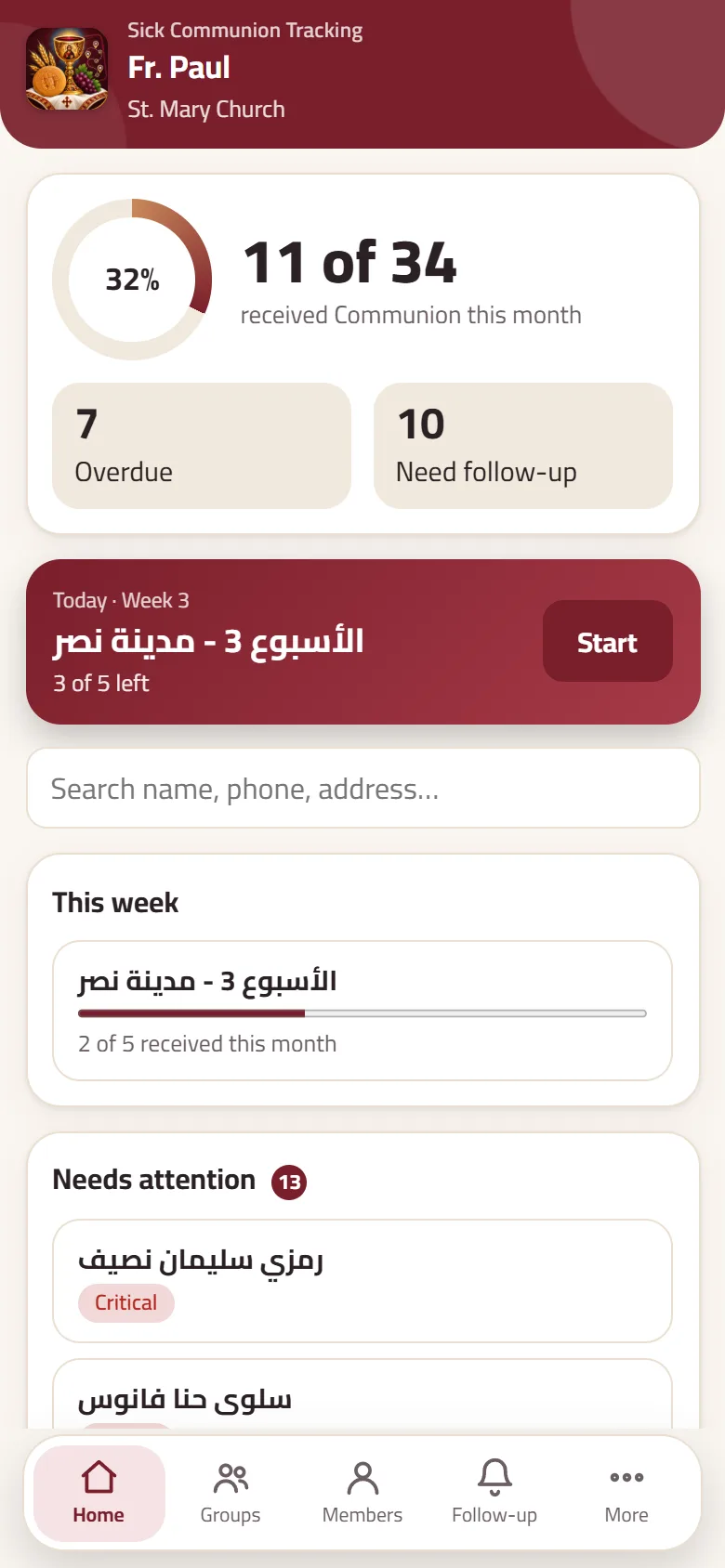
زر «تناول» لكل مريض مع إمكانية التراجع، وعلامات سريعة وملاحظة عند الحاجة.A “Received” button for each patient with undo, plus quick tags and a note when needed.
وزّع المرضى على أسابيع الشهر ومناطقهم، وامشِ معهم محطة بمحطة مع إبقاء الشاشة مضاءة.Spread patients across the weeks and zones, then walk stop by stop with the screen kept awake.
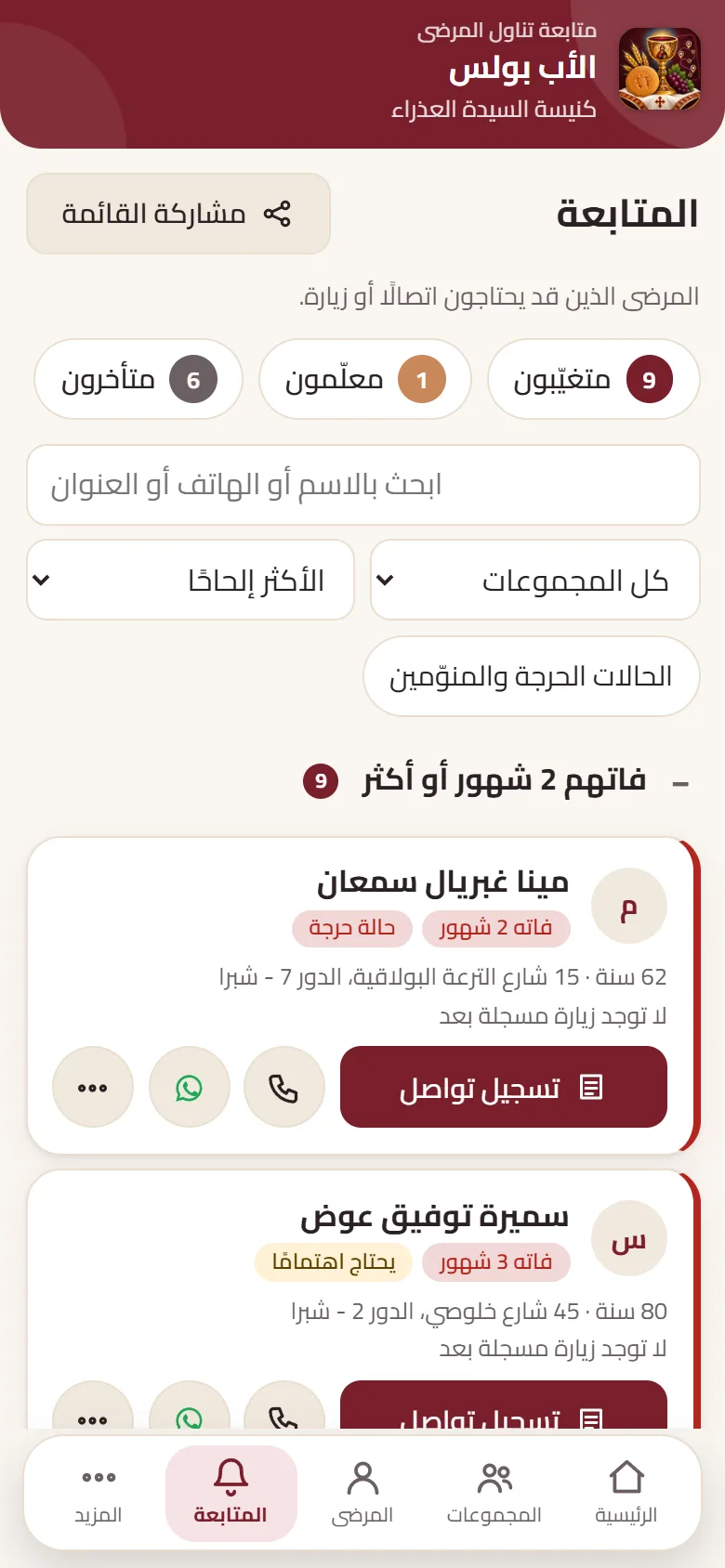
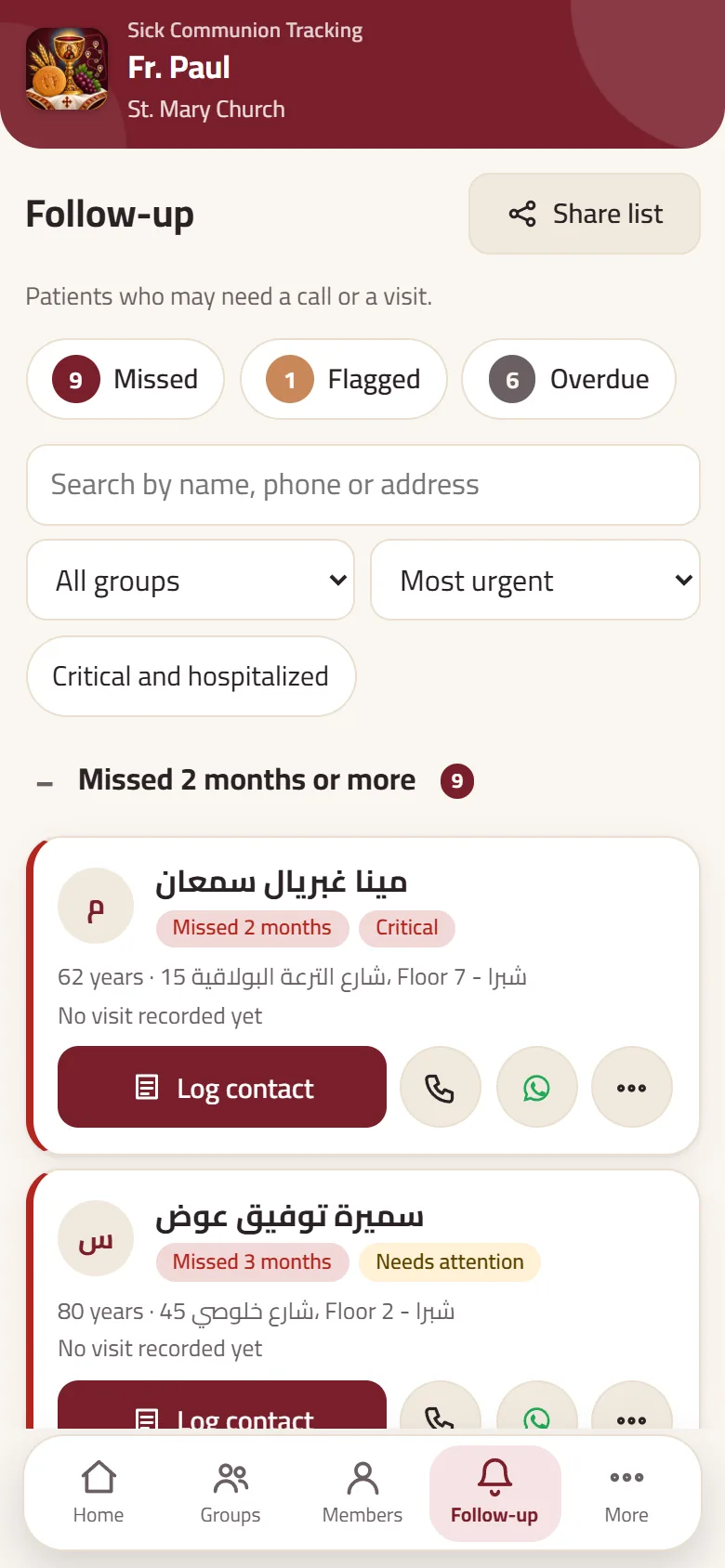
يعرض من تغيّب عدة أشهر، ومن تم تمييزهم، ومن تأخرت زيارتهم هذا الشهر، مع اتصال وواتساب بلمسة.Shows who missed several months, who is flagged, and who is overdue this month, with call and WhatsApp in one tap.
بعد أول تحميل يعمل التطبيق كاملًا حتى في الأماكن بلا شبكة. الخرائط فقط تحتاج إلى إنترنت.After the first load the app works fully, even where there is no signal. Only the maps links need internet.
كل منهما على هاتفه، ويتبادلان ملف نسخة احتياطية ثم «دمج» بدون فقدان أي تعديل.Each uses their own phone and they swap a backup file, then “Merge”, without losing any edit.
أحضر قوائمك الحالية من ملف Excel أو CSV، مع تنظيف الأرقام والأسماء وكشف التكرار.Bring your existing lists from an Excel or CSV file, with number and name clean-up and duplicate detection.
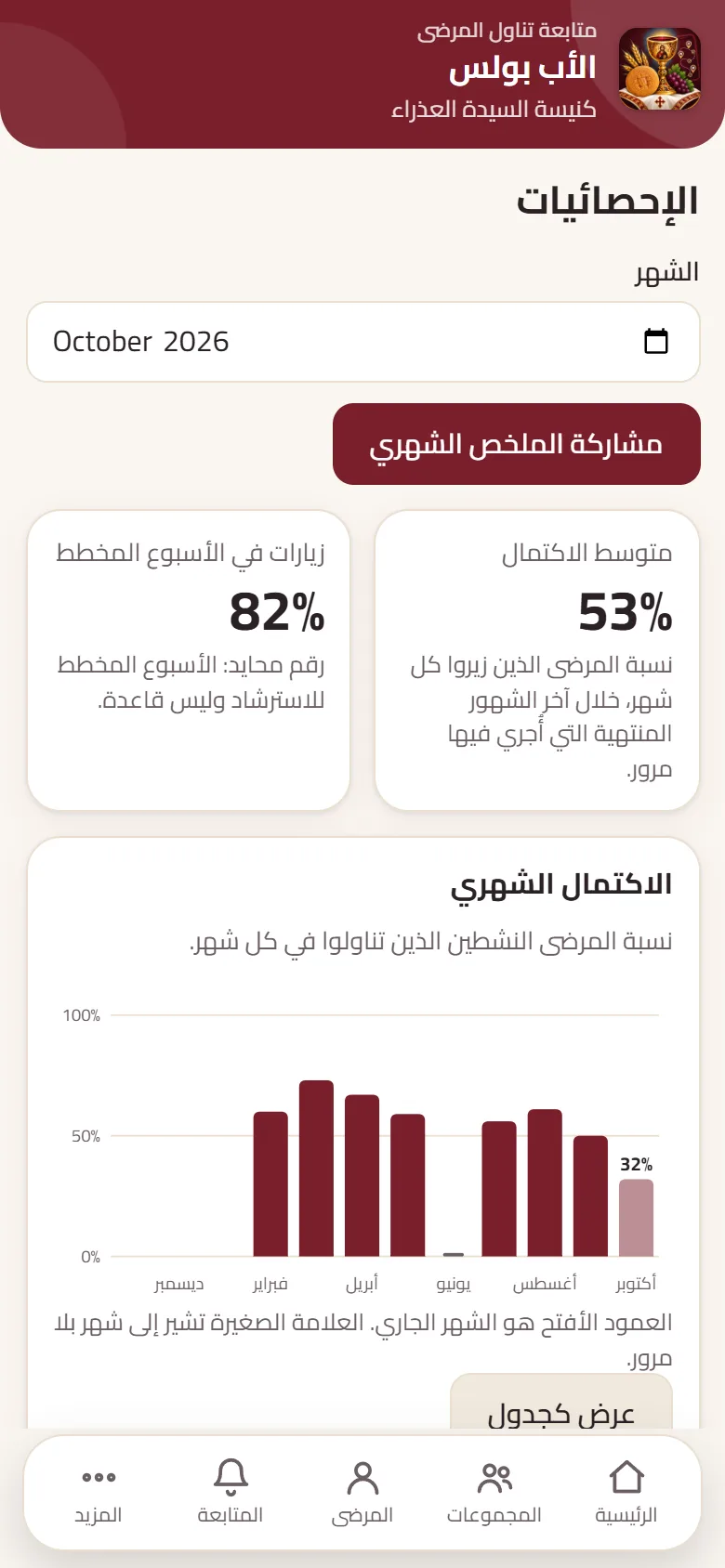
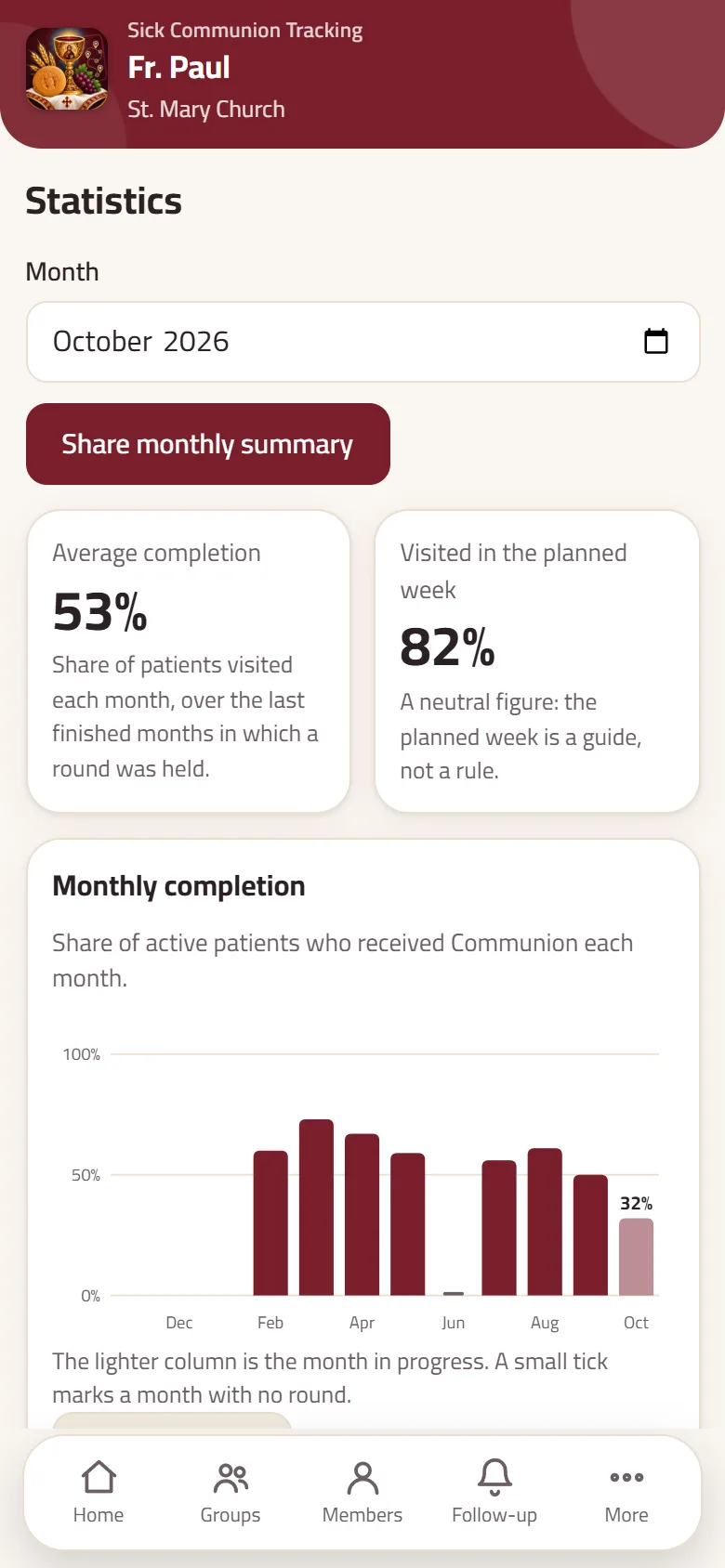
لقطات حقيقية ببيانات تجريبية. اسحب لرؤية المزيد.Real screens with demo data. Swipe to see more.
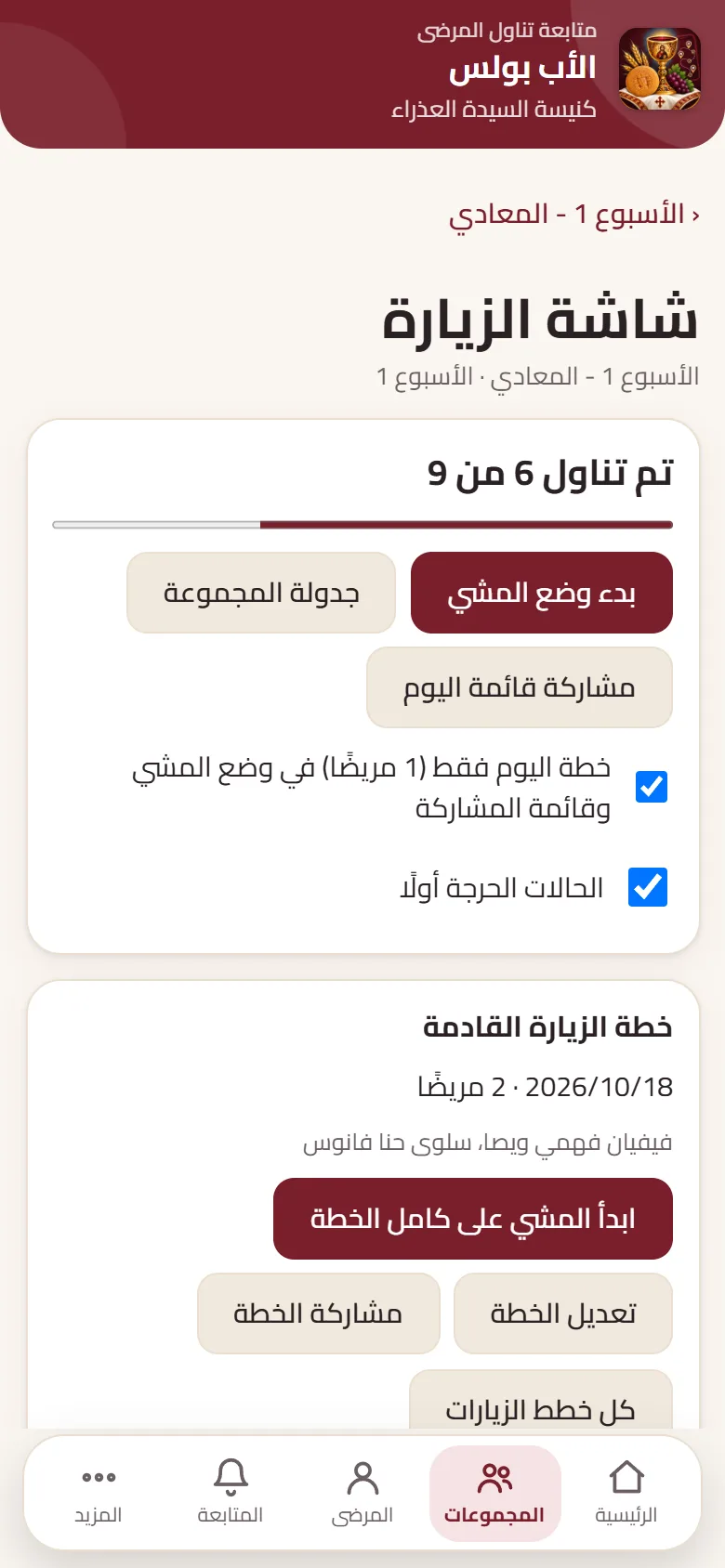
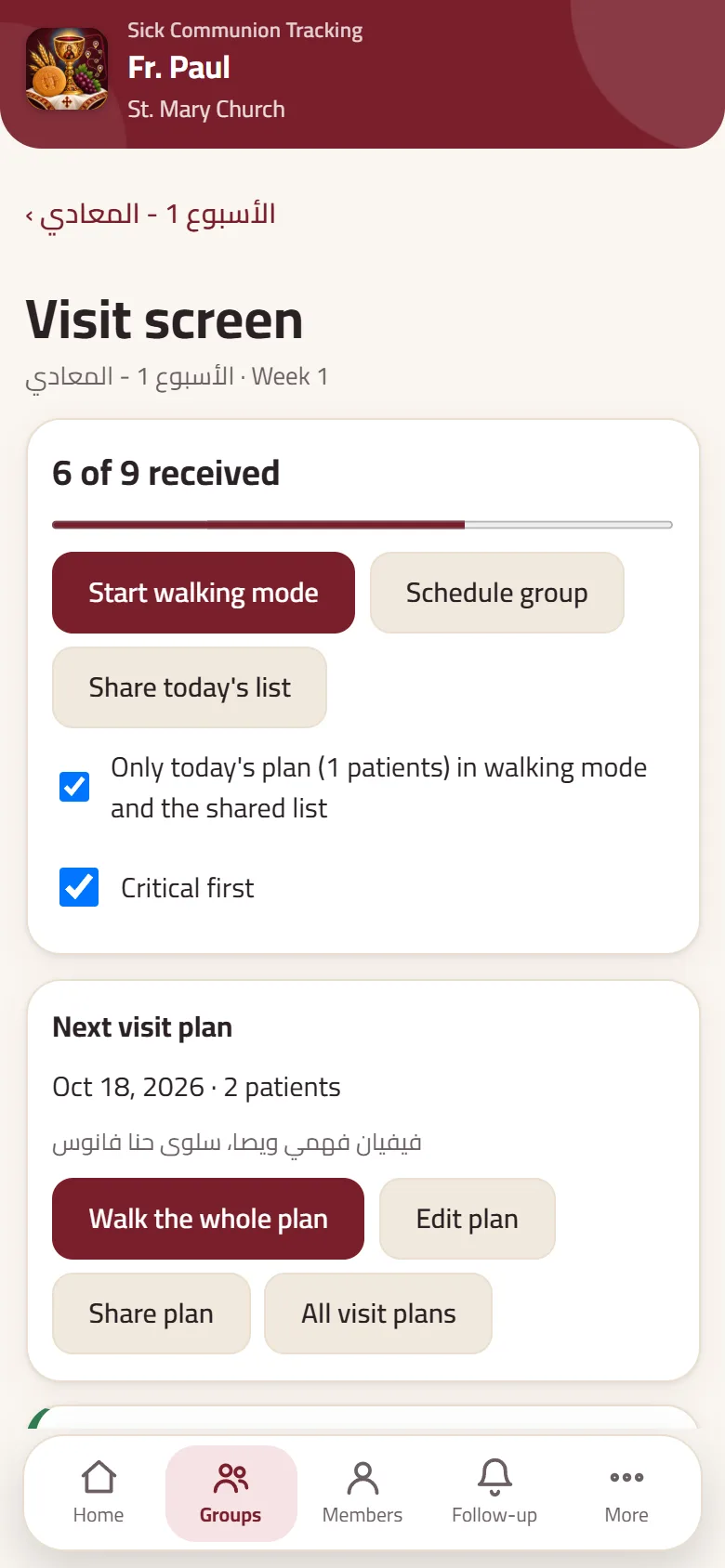
مهم: ثبّت التطبيق أولًا قبل إدخال أي بيانات. قد يمسح Safari بيانات المواقع غير المثبّتة، والبيانات المُدخلة في المتصفح لا تنتقل إلى التطبيق المثبّت.Important: install first, before entering any data. Safari can clear data of sites that are not on the Home Screen, and data entered in the browser does not carry over to the installed app.
البيانات على هاتفك هي النسخة الوحيدة، لذلك خذ نسخة احتياطية بانتظام. التطبيق يذكّرك بعد 14 يومًا.The data on your phone is the only copy, so make regular backups. The app reminds you after 14 days.
فقط في أول تحميل. بعدها يعمل بالكامل بدون شبكة. روابط «فتح في الخرائط» وحدها تحتاج إلى إنترنت.Only for the first load. After that it works fully offline. Only the “Open in Maps” links need internet.
نعم، التطبيق مجاني ولا يحتاج إلى حساب أو اشتراك.Yes, the app is free, with no account or subscription.
على هاتفك فقط، داخل التطبيق. لا يوجد خادم ولا حساب، ولا نرى بياناتك.Only on your phone, inside the app. There is no server and no account, and we never see your data.
يصدّر أحدهما نسخة احتياطية ويرسل الملف للآخر، فيختار «دمج». آخر تعديل لكل سجل هو الذي يبقى، وتنتقل عمليات الحذف أيضًا. يتم الدمج بين جهازين فقط.One exports a backup and sends the file to the other, who chooses “Merge”. The newest edit per record wins and deletions spread too. Merge is between two devices only.
استعد من آخر نسخة احتياطية على هاتف جديد. لذلك احفظ النسخ في Drive أو Files. وإن اخترت كلمة مرور للنسخة فلا يمكن استرجاعها إذا نُسيت.Restore from your latest backup on a new phone, so keep copies in Drive or Files. If you protect a backup with a passphrase, it cannot be recovered if forgotten.
نعم، من ملفات Excel أو CSV، بما فيها العربية. يمكنك أيضًا استيراد الزيارات السابقة، والتراجع عن آخر استيراد خلال 7 أيام.Yes, from Excel or CSV files, including Arabic. You can also import past visits and undo the last import within 7 days.
افتح التطبيق وثبّته على هاتفك، وابدأ بقائمة فارغة أو استورد قائمتك.Open the app, install it on your phone, and start with an empty list or import yours.
افتح التطبيقOpen the app